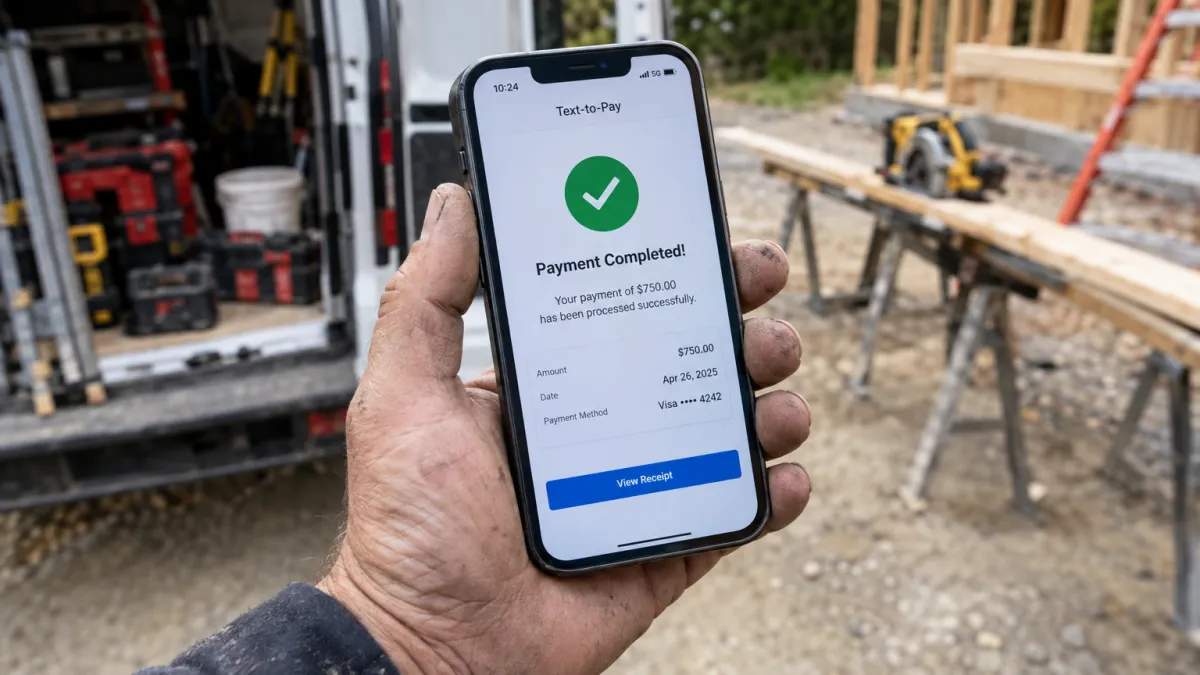
What Is Text-to-Pay and How Does It Help Local Service Businesses Get Paid Faster?
You just finished the job. The customer is happy. Now comes the part every service business owner dreads: getting paid. You promise to send an invoice, the customer says they'll look for it, and three days later you're following up on an email they haven't opened. Text-to-Pay removes that entire friction point. You send a payment link to the customer's phone the moment the job is done — they tap, pay, and you're settled before you've even packed up your tools.
TL;DR: Text-to-Pay is a feature that lets businesses send a secure payment link directly to a customer's phone via SMS. The customer clicks the link, completes the payment on their mobile device, and the transaction is done. It eliminates invoice delays, reduces unpaid balances, and keeps cash flow moving for local service businesses.
Key Takeaways
- Text-to-Pay sends a payment link via SMS so customers can pay in seconds from their phone.
- Collecting payment right after a job dramatically reduces late or unpaid invoices.
- It requires no special app from the customer — just a link in their existing messages.
- Text-to-Pay pairs naturally with two-way texting, making it a seamless extension of the customer conversation.
- My Biz Suite includes Text-to-Pay and Tap-to-Pay in its core platform, starting at $97/month.
Why Getting Paid Is Still a Pain Point for Local Service Businesses
Most HVAC companies, plumbers, electricians, landscapers, and home service contractors are excellent at the actual work. The business side — particularly collections — is where time and money slip away. Traditional invoicing through email requires the customer to:
- Receive the email (which may land in spam or get buried)
- Open it on a desktop or phone
- Click through to a payment portal
- Enter card details or log into an account
Every step is a dropout point. Text-to-Pay compresses all of that into a single tap from a message thread the customer is already familiar with. That is why it converts at a dramatically higher rate than email-based invoicing.
How Text-to-Pay Actually Works
The flow is straightforward:
- You complete the job.
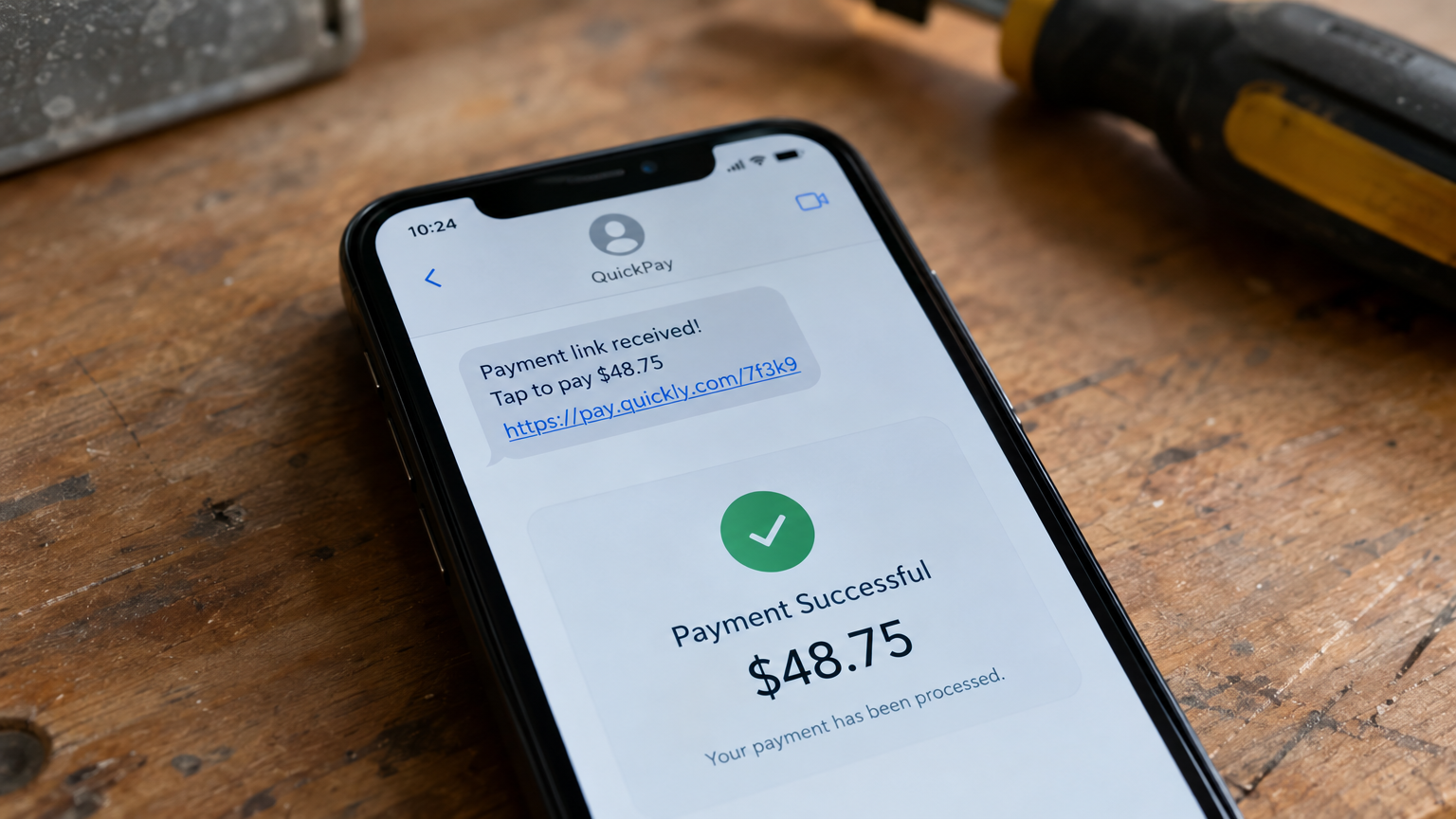
- You (or an automated trigger) send a payment link via SMS to the customer's mobile number — the same number you've been texting throughout the project.
- The customer receives a text with a secure, one-click payment link.
- They tap the link, enter their card or use a saved payment method, and complete the transaction on their phone.
- You receive confirmation in your CRM dashboard and the payment is processed.
No paper, no email chasing, no awkward conversation about payment. The whole exchange takes under two minutes.
My Biz Suite includes both Text-2-Pay and Tap-2-Pay as part of the core platform, available to all subscribers. This connects directly to the two-way messaging system, so payment collection is a natural extension of the customer conversation you are already having. Learn more about the full text messaging system in our pillar post: Why Is Two-Way Text Messaging the #1 Customer Communication Channel for Small Businesses?
Who Benefits Most From Text-to-Pay?
Text-to-Pay is especially powerful for businesses where:
- Work happens at the customer's location — HVAC, plumbing, electrical, landscaping, cleaning, pest control. The job ends on-site and you want payment before you drive away.
- Jobs are variable in scope and cost — Sending the final amount via text avoids confusion and gives the customer a clear, documented record of what they paid.
- Customers are on their phones — Which is essentially everyone. A text-based payment link meets customers exactly where they already are.
- Follow-up collections are a recurring problem — If you regularly wait days for payment after a job, Text-to-Pay eliminates that pattern entirely.
Text-to-Pay as Part of a Larger Workflow
Text-to-Pay does not have to be a manual step. Inside an all-in-one platform like My Biz Suite, it can be part of an automated workflow. For example:
- Technician marks a job as complete in the mobile app.
- A workflow automation triggers a payment request SMS to the customer automatically.
- If the customer doesn't pay within 24 hours, a follow-up reminder text is sent.
- Once payment is confirmed, a review request text goes out automatically.
That is an entire post-job process — payment, follow-up, and reputation management — running without a single manual step from the business owner. This kind of trigger-based workflow is explored in depth in our post on how trigger-based workflows turn cold leads into paying customers. For a broader look at how automation saves owners time, see our post on how workflow automation saves small business owners 20+ hours a week.
Cash Flow Is the Oxygen of a Service Business
Slow payment is not just an inconvenience — it is a cash flow problem that affects payroll, supply orders, and your ability to take on new work. The faster you collect after a job, the more predictable your financial picture becomes. Text-to-Pay is one of the most direct, practical ways to accelerate that cycle without adding complexity to your operations.
Combined with the 24/7 AI Voice Receptionist that captures every incoming lead call, and the consolidated inbox that keeps all your customer conversations in one place, My Biz Suite gives local service businesses a complete payment-to-pipeline system in a single platform.
FAQ
Is Text-to-Pay secure for customers?
Yes. Payment links sent via Text-to-Pay use secure, encrypted payment processing. Customers are taken to a hosted payment page — no sensitive card data passes through the text message itself.
Does the customer need to download an app?
No. The payment link opens in the customer's mobile browser. There is nothing to install and no account to create — just a tap and a payment form.
Can I set up Text-to-Pay so it sends automatically after a job?
Yes. Inside My Biz Suite, you can build an automation workflow that triggers a Text-to-Pay message when a job is marked complete. This eliminates the manual step entirely.
What plans include Text-to-Pay?
Text-to-Pay and Tap-to-Pay are included in all My Biz Suite paid plans, starting with the Starter Plan at $97/month.
Conclusion
If you are finishing jobs and waiting days — sometimes weeks — to get paid, Text-to-Pay is the simplest fix available. It closes the payment loop immediately, removes the friction of email invoicing, and keeps your cash flow moving. When it is part of a fully automated post-job workflow, it also triggers your review request and follow-up sequence automatically, turning every completed job into a reputation-building opportunity.
Stop chasing payments. Start collecting them the moment the job is done.
See how Text-to-Pay works inside My Biz Suite — visit My Biz Suite and explore plans starting at $97/month with no contract required.